
myMTE monthly energy use emails
Understanding your myMTE monthly energy use emails
Have you noticed a couple of new emails hitting your inbox each month from your myMTE account? At MTE, our goal is to help you understand your energy use and save money. These emails are designed to do just that. Here’s more information about each email and how to make the most of the energy insights provided.
Monthly summary
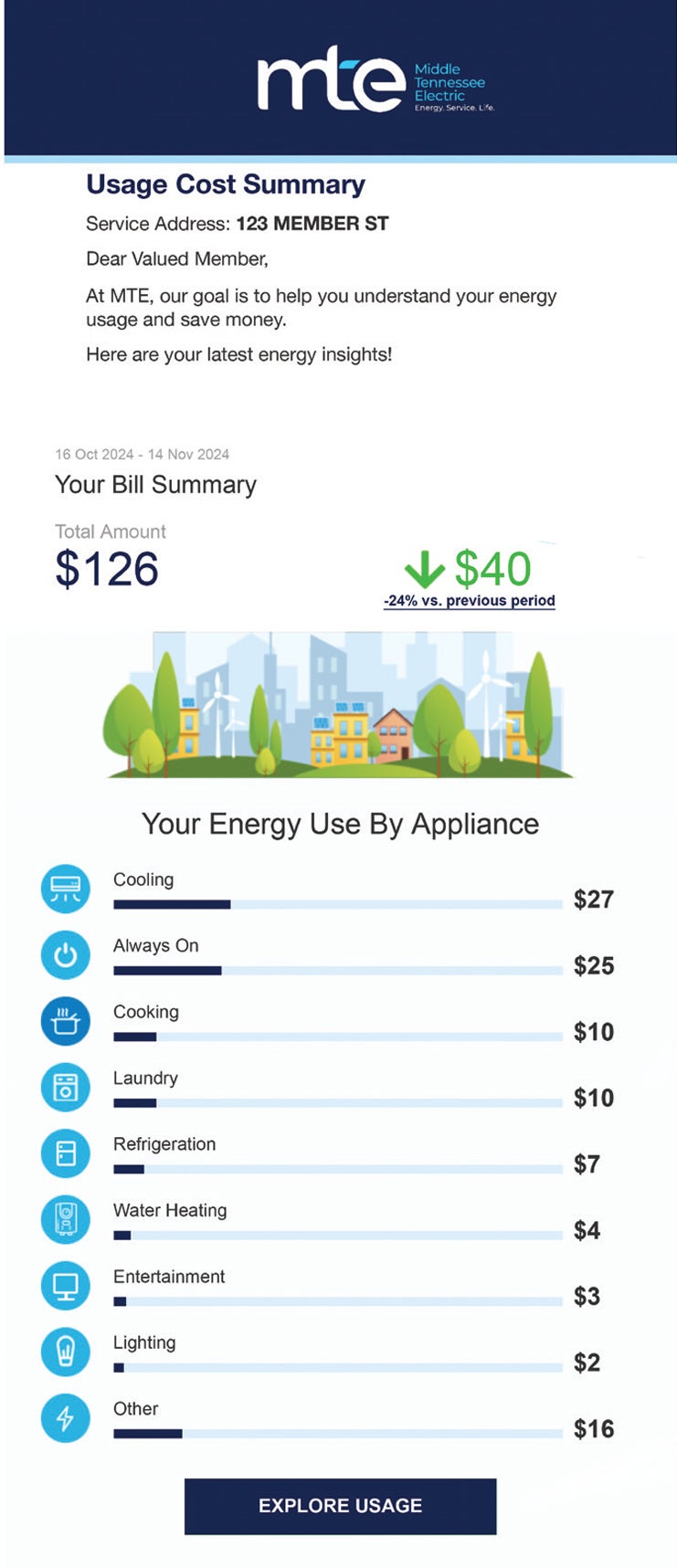
- Members can see their bill total along with how it compares to the previous billing period. This email provides a detailed summary of your energy consumption using data from your myMTE account. It lets you see how much of your bill is allocated to each appliance category (heating/cooling, cooking, laundry, refrigeration, water heating, etc.). Members who want to get a more in-depth look at their data or make changes to their Home User Profile can click the Explore Usage button in the body of the email.
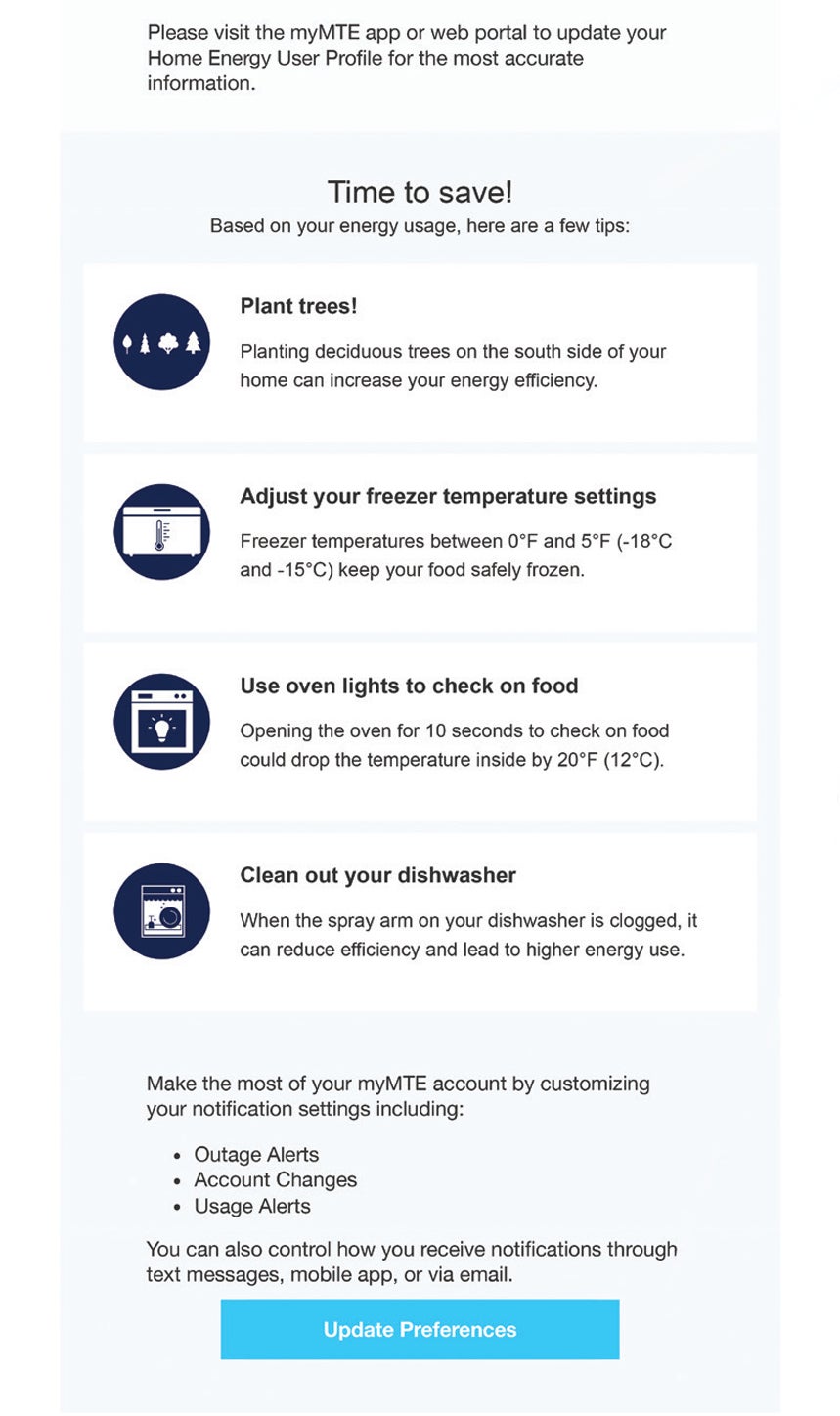
- The email includes a few customized energy tips, providing members with easy action items to save energy and money.
- You can also click the Update Preferences button at the bottom of the email to customize your notification settings for outage alerts, account changes, and energy use alerts.
Projected bill
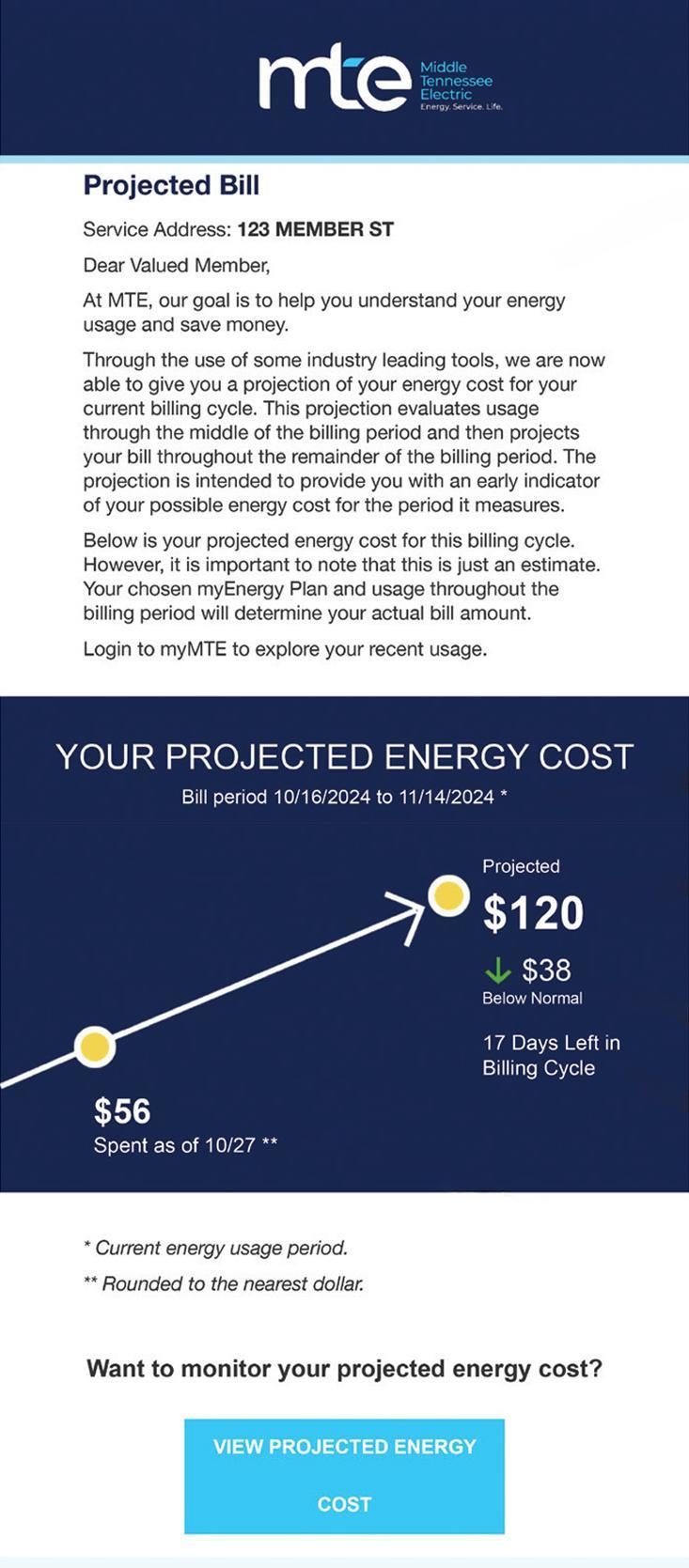
This email is sent halfway through your billing cycle to provide an idea of what the next bill could be if energy use doesn’t change. Our hope is that this email makes members more aware of their energy consumption in time to make changes and potentially lower their upcoming bill..
The graphic in the email lists the dates for the current billing period. It shows a member:
- What their projected bill is estimated to be by the end of the billing cycle if conditions remain the same.
- How this projected cost compares to their usual amount.
- How many days are left in the billing cycle.
- How much they’ve spent so far on energy consumption as of the current date.
Members wanting to continue monitoring their projected energy costs or view additional data can click the View Projected Energy Cost button in the email.
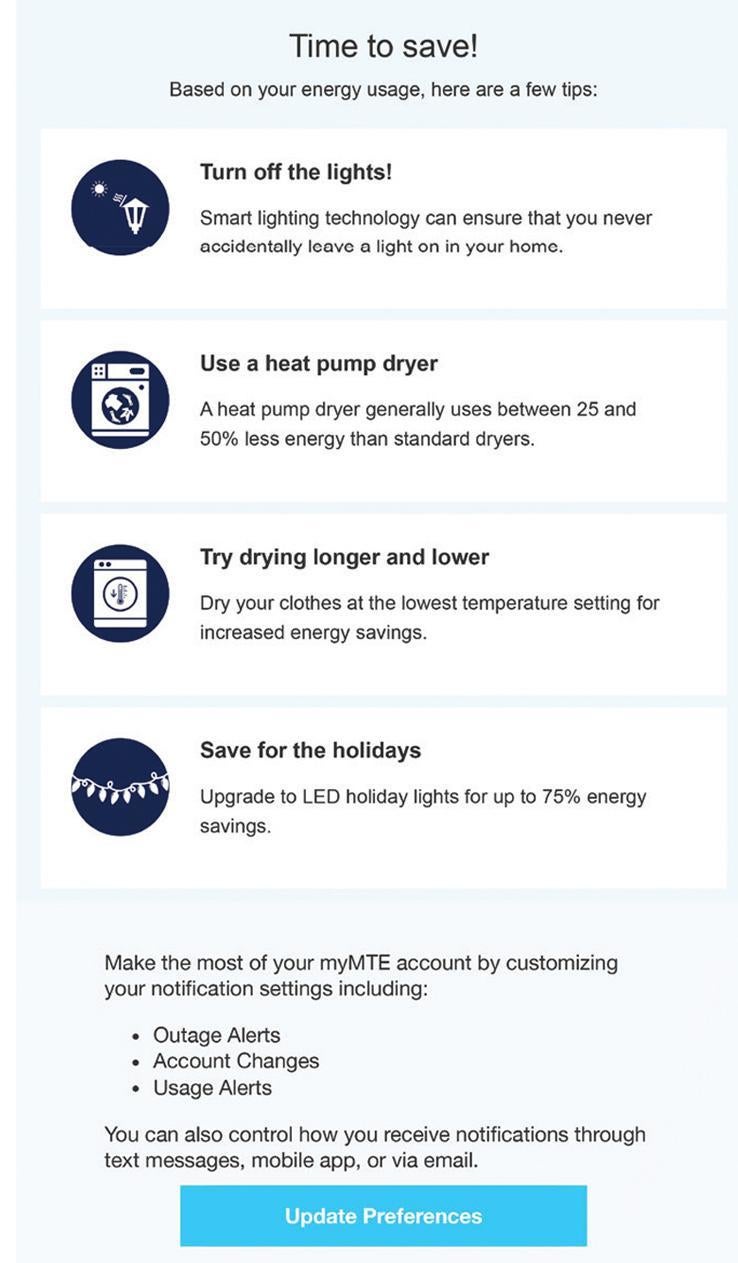
This email also provides members with a few customized energy tips and contains the Update Preferences button so they can easily customize their myMTE notification settings.
* The bill amount estimated in this email does include fixed charges like service charges and loans. The projected amount is an estimate and does not factor in some myEnergyPlans, like Levelized. Your customized myEnergyPlan and energy use throughout the billing month will determine your actual billed amount.
myMTE account
MTE encourages all members to take advantage of the myMTE mobile app and web portal to manage their accounts easily. With them, you can conveniently view and report outages, take a closer look at your energy insights, customize your account options, pay your bill, and more.
Visit mte.com/myMTE to learn more or download the app.
Energy use and insights questions
How do I know which appliances are using the most energy?
Your monthly summary email breaks down your bill by appliance categories such as heating/cooling, cooking, laundry, refrigeration, and water heating. This helps you see where most of your energy is going.
What should I do if my projected bill seems unusually high?
Review the energy tips provided in your email and consider making changes to your energy use before the billing cycle ends. You can also use the View Projected Energy Cost button for more details or log in to your myMTE account for deeper insights.
Does the projected bill include all charges?
The projected bill email includes fixed charges like service fees and loans, but may not reflect certain myEnergyPlan options, such as the Levelized Plan. Your actual bill will depend on your plan and energy use.
Account and notification questions
Can I change how often I receive energy use monthly emails?
Currently, myMTE sends a monthly summary and a projected bill email for each billing cycle. You can update your notification preferences for other alerts by clicking Update Preferences in the email.
How do I update my Home User Profile or notification settings?
Click the Explore Usage or Update Preferences buttons in your email to access your profile and notification settings. You can also manage these through the myMTE app or web portal.
What if I’m not receiving my monthly energy use emails?
Check your spam or junk folder first. Make sure your email address is up to date in your myMTE account settings. If you still have issues, contact MTE Member Support.
Can I access my energy use information outside of the emails?
Yes, you can view and manage your energy insights, account details, and more anytime through the myMTE mobile app or web portal.
Contact MTE's Member Support Team

We understand our members expect more than just affordable, reliable, and safe electricity. You also expect outstanding member service, which includes helping you find answers and solutions to your concerns.
From myMTE app issues to billing questions and everything in between, our member support team is always here to provide you with the help you need. We've put together some useful information for you, but feel free to contact us directly to discuss any additional concerns you have.
Email: info@mte.com
Phone: 877-777-9020
Online: mte.com/Contact